
Brief — what happened, in a paragraph
For the recording you will not reread. A short recap you can paste into a message and be done with.
AI summary templates
The same hour-long meeting is a different document depending on who reads it. Pick the format the moment deserves — or write your own instructions — and Limemo writes the summary from the transcript.
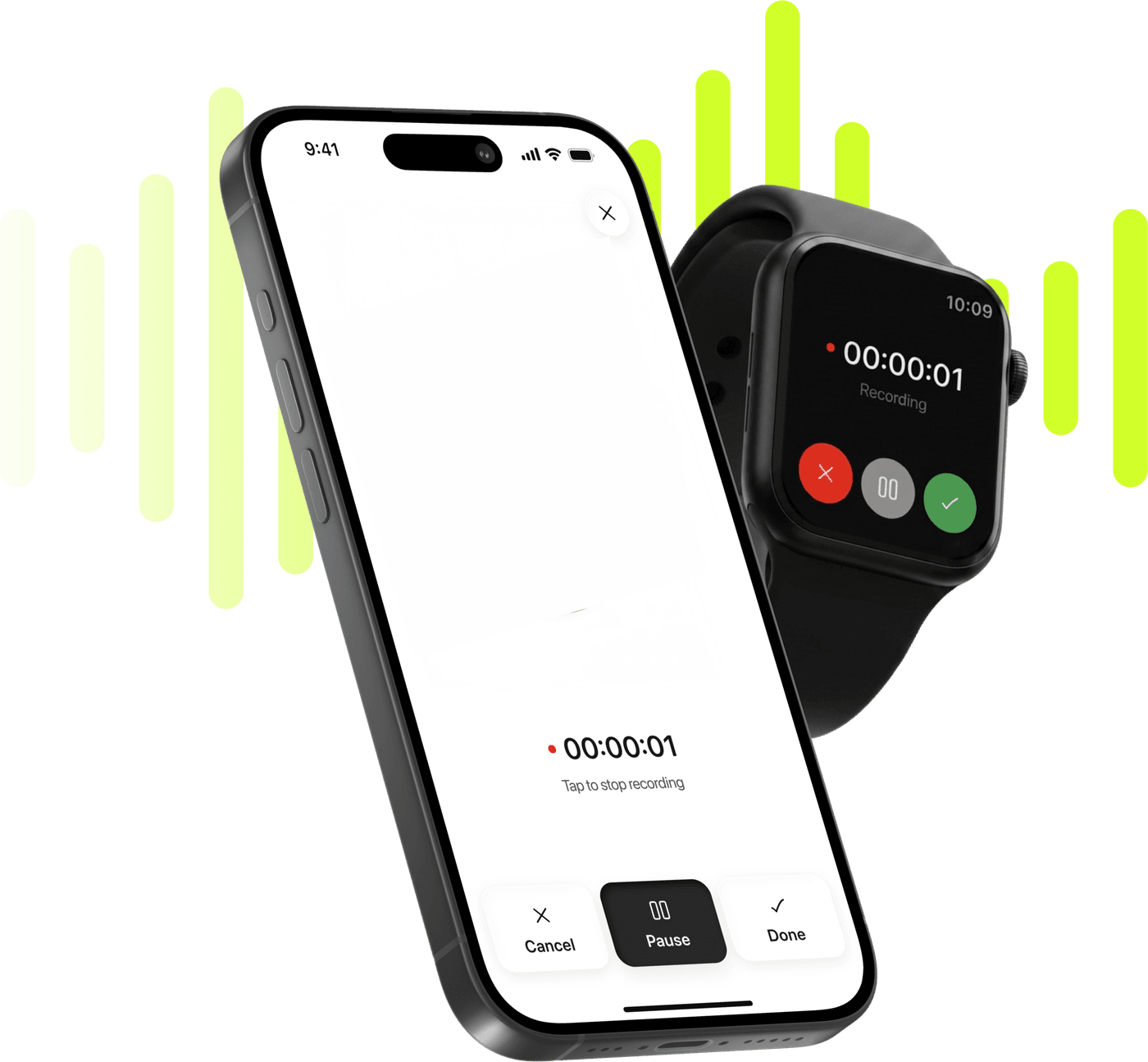
Record, transcribe and summarize on iPhone and Apple Watch.
Free to try. Cancel anytime. *
For the recording you will not reread. A short recap you can paste into a message and be done with.
For minutes somebody else has to act on. Built around what was decided and who carries it, not around the order things were said in.
For a review or a pipeline call, where the figures are the point and the discussion around them is not.
For forwarding. Reads as something written on purpose rather than as the residue of a meeting.
Standard keeps the conversation in the shape it happened. Study gives a lecture the structure a subject has, which is what you want three weeks later.
Name it, write up to 500 characters of instructions, and it sits in the format list from then on. Every decision with its owner, or whatever you actually need.
Record in the app, import an audio or video file, or bring in a PDF. Every route ends in the same kind of note.
Open Customize summary and pick one of the seven, or type your own instructions. You can also set the one you usually want as the default, so new notes arrive that way.
Switch format and the summary is rewritten from the same transcript. Translate it, edit it, or export it as PDF or TXT.
A summary is only as useful as its shape, and the same hour has at least three useful shapes. Minutes that an absent colleague can act on are not the same document as a recap you paste into a chat, and neither is what you want from a lecture you have to sit an exam on.
Seven formats is Limemo’s answer: Brief, Executive, Key KPIs, Memo, Standard, Study and Custom. You pick one per note, and you can change your mind afterwards as many times as you want.
Custom is not a one-off field — it is a template you save. Give it a name and an icon, write up to 500 characters of instructions, and it joins the format list for every note from then on. List every decision with the person responsible. Only the parts about the pricing change. Bullet points, no prose, under 200 words. The instructions stay with the note you applied them to, so the next summary of that recording follows them too.
If you want the same shape every time, set it once: the format you choose can be saved as your default, and new notes arrive already written that way.
The summary is written from the words of your recording and nothing else. It is not searching the web, and it has nothing else to draw on. Switching format does not re-record or re-transcribe anything — it rewrites from the same transcript, which is why reconsidering is cheap. What it does replace is the summary you had: edits, ticked action items and any translation go with it, so the order that saves you work is choose the format, then edit.
If a name came through wrong, two things fix it everywhere: rename the speakers, which applies across the whole note at once, and edit the summary directly before you send it on. The transcript itself is written once, when the recording is analysed, and stays as the record of what was said.
A summary is generated from the transcript, so if a name or a term is wrong, fix it where you can and the document you send is right: rename speakers and edit the summary covers both, and says plainly what cannot be changed.
Customize summary is not only the format list. Two settings sit above it, and either one changes the document more than switching between neighbouring templates does.
Length is a slider with five stops, marked Short, Medium and Long. It is the control to reach for when the format is right and the document is not: the same Executive summary at Short is the version you paste into a message, and at Long it is the one you send to somebody who missed the meeting.
Sections are two switches — Key KPIs and Action Items — and they are independent of the format. So a Standard summary with Action Items on is a different document from a Standard summary without them, and a meeting where nobody committed to anything does not get a half-empty list. Key KPIs is both a switch here and a template of its own: the switch adds the numbers to whatever format you picked, the template makes them the point of the document.
Both settings, and the format, can be saved as your default, so notes arrive the way you want them without opening this sheet at all.
The summary can be translated on its own — the transcript stays in the language it was spoken in. That split is deliberate and it is the useful one: the record of what was said should not quietly become a translation of what was said, while the document you forward to somebody often has to be in their language.
Twelve languages are offered for the summary, with the recording’s own marked as the original. The latest translation is kept with the note, so switching between it and the original is instant; translating into another language replaces it. Transcription itself covers 99+ languages — the two numbers are different things, and which languages Limemo transcribes and translates keeps them apart properly.
A meeting across a table, and a lecture. Those are the two the templates were built around.
For the meeting, the pattern is: record it, take the Executive summary, and send that. What arrives in someone’s inbox reads like minutes rather than like a transcript dump, and the decisions are at the top because that is what the format is for. In-person meetings goes through that from start to finish.
For the lecture, it is Study, and the value is at revision time rather than on the day. A fifty-minute recording becomes something with a structure you can actually work through, and the transcript stays underneath for the exact phrasing you need to quote. Recording lectures on iPhone has the week-by-week version.
And the honest note about picking: try two on the same recording, before you start editing either. That settles the question better than any description on this page.
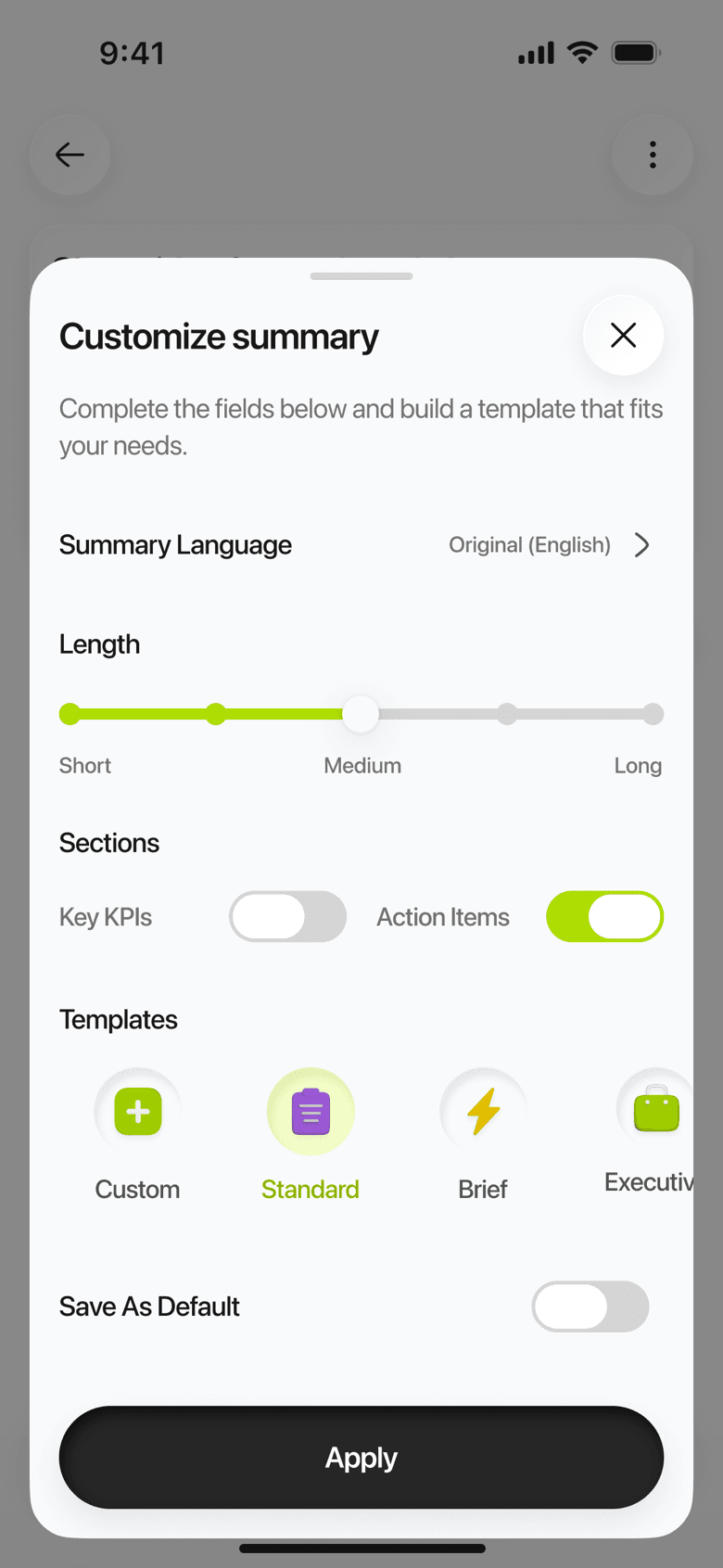
Executive on a fifty-minute supplier review, at Medium length. Two sections, in that order. The same transcript under Brief is one paragraph, and under Key KPIs it is the figures and nothing else.
Key Takeaways
Action Items
Yes. The transcript does not change, so picking another format rewrites the summary from the same words — a meeting you first summarized as Brief can become an Executive document a week later. One thing to know before you switch: the new summary replaces the old one, so any edits you made to it, any action items you had ticked and any translation you had generated go with it. Switch first, then edit. It also needs a connection, since the summary is written on our servers.
Yes, and you can undo it. Rewrite a paragraph, add your own notes underneath, delete what does not matter — and if the edit turns out worse, Undo Edits brings back the version Limemo wrote, in its original language. Fixing a transcript, renaming speakers and editing summaries has its own help article.
No. Limemo summarizes what you bring into it as a note: audio you recorded, an audio or video file you imported, or a PDF. There is no paste-a-URL-and-summarize-the-page feature, and no field to paste plain text into.
Yes. Translate Summary regenerates the summary in another language while the transcript stays in the language it was spoken in. The picker offers twelve languages, with the recording's own marked as the original.
Executive if somebody has to act on it — it is built around decisions and owners. Brief if you only need to remember the meeting happened and what came of it. Key KPIs if the meeting was numbers. They are different shapes rather than better and worse ones, so the honest answer is to try two on the same recording before you start editing either.