
Record in the app
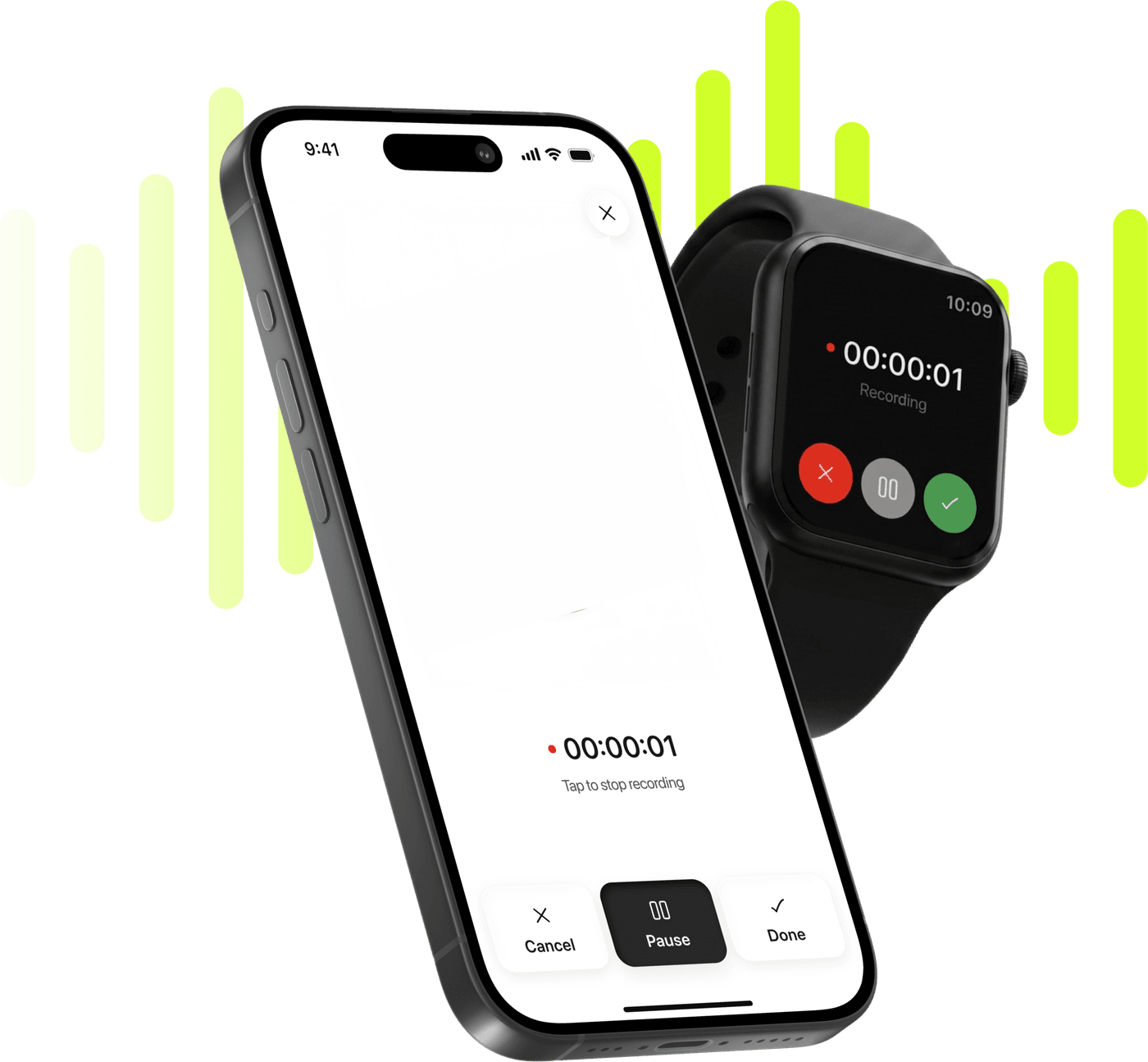
Start a recording on your iPhone. It survives interruptions and app kills, so a long session is never lost.
Record in the appRecord on your phone, or upload a file. Limemo gives you a transcript with speaker labels and a summary in the format you pick.
Free to try. Cancel anytime. *


Four ways to get audio into a Limemo note. Every one of them ends in the same place: a transcript, a summary and an AI you can ask about it.
Start a recording on your iPhone. It survives interruptions and app kills, so a long session is never lost.
Record in the appTap record on your wrist. The recording lands on your iPhone as a note, with the same transcript and summary.
Record from Apple WatchBring in a file you already have and turn it into text without recording it again.
Upload audio or videoAdd a document to the note so the summary and the AI chat can work from it too.
Import a PDFCapture on your phone or Apple Watch, or hand Limemo a file you already have.
Limemo transcribes the audio and separates it by speaker, so you can see who said what.
Pick Brief, Executive, Key KPIs, Memo, Standard, Study or Custom, or describe the format you want.
Ask the AI about the recording, translate the summary, then share or export it as PDF, TXT or audio.
The same recording reads very differently depending on what you need from it. Pick the format when you create the note, or change it afterwards.
A short recap, or the full structured write-up with sections and action items.
The decisions and the numbers, for the people who were not in the room.
A document written to be forwarded, or key concepts, definitions and review questions from a lecture.
Describe how you want the summary written and Limemo follows your instructions.
Record the lecture, get study notes with key terms and questions instead of half-finished typing.
Students in lecturesFor rooms and calls no bot is allowed to join, on a phone that is already on the table.
In-person meetingsSpeaker labels on every transcript, so you can see who said each quote.
InterviewsTurn the idea you caught on a walk into text you can actually use.
Voice memosMost AI note taker apps are built around online meetings: you invite a bot into a call, and it writes the notes. That is useful when the meeting happens in a browser. It does nothing for the lecture you are sitting in, the interview across a café table, or the idea that arrives while you are walking.
Limemo starts from the other end. It is an AI voice recorder that lives on your iPhone or Android phone, and on your Apple Watch with an iPhone, so capture takes one tap wherever you are. The transcript, the speaker labels, the summary and the AI you can question all come afterwards, inside the note the recording becomes.
A raw transcript is rarely the thing you need. What you need is the decision, the definition, the number, the next step. Limemo writes that for you in the format you choose, and keeps the transcript underneath it so you can always check the wording.
Because the summary is generated from the note, you can change your mind: switch a lecture from Standard to Study, ask for a shorter version, or describe your own format in the Custom template. Then ask the AI a question about the recording and get an answer drawn from that note’s transcript.
Notes go into folders, and search finds any note or folder by its name. Everything syncs across your devices, which is what lets a note survive a new phone or a reinstall.
An old recording is not a special case either. Hand Limemo an audio file you made months ago in another app and it becomes the same kind of note as a fresh recording; a recording you started on your wrist arrives as a full note rather than an orphan audio file. Every feature described here is in one subscription — the plans and pricing page has the figures and the terms.
Privacy is not a settings screen you have to find: recordings and transcripts are encrypted in transit and at rest, and you can delete any note, or everything, whenever you want.
Limemo gives you a transcript with speaker labels, a summary in whichever of seven formats you pick, an AI you can ask about the recording, translation into another language, and folders and search for all of it. It also takes an audio or video file or a PDF into the same kind of note.
No. There is no Limemo bot that dials into a call, and there is no calendar integration that sends one. Limemo records the room you are in — the phone on the table, or your Apple Watch — and once the note exists you can share it to the apps you use (Slack, Teams, Notion…).
Android yes, web no. Limemo is on iPhone and on Android, and the two apps do the same things: record, transcribe with speaker labels, summarize, translate and ask questions about a note. There is no web app you can sign in to from a browser — Limemo is built around the phone already in your pocket, and on iPhone it records from the Apple Watch on your wrist too.
99+ languages for transcription and summaries, and the summary can be translated into another language after the fact. You choose the summary language separately from the language you spoke in.
They are encrypted in transit and at rest, and you can delete them at any time from Settings in the app. A recording lives in two places, though: on your device and on Limemo's servers. Transcription and summarization happen on those servers rather than on the phone, and the recording is kept there as well as on your device.
No. The watch records on its own and hands the recording to the Limemo app on your paired iPhone the next time the two are connected. The recording is kept until that transfer finishes.
The subscription terms at the foot of this page show the current price, the billing interval, how the subscription renews and how to cancel it. Subscriptions are billed by Apple through the App Store, and you can cancel in your Apple ID settings.