
A summary in the format you choose
The same seven formats as a recording: Brief for a skim, Executive for what was decided, Study for something you have to learn.
PDF to notes
A reading, a report, a contract. It comes back as a summary in the format you pick, with the action items pulled out and an AI you can ask — filed beside your recordings, not in a different app.
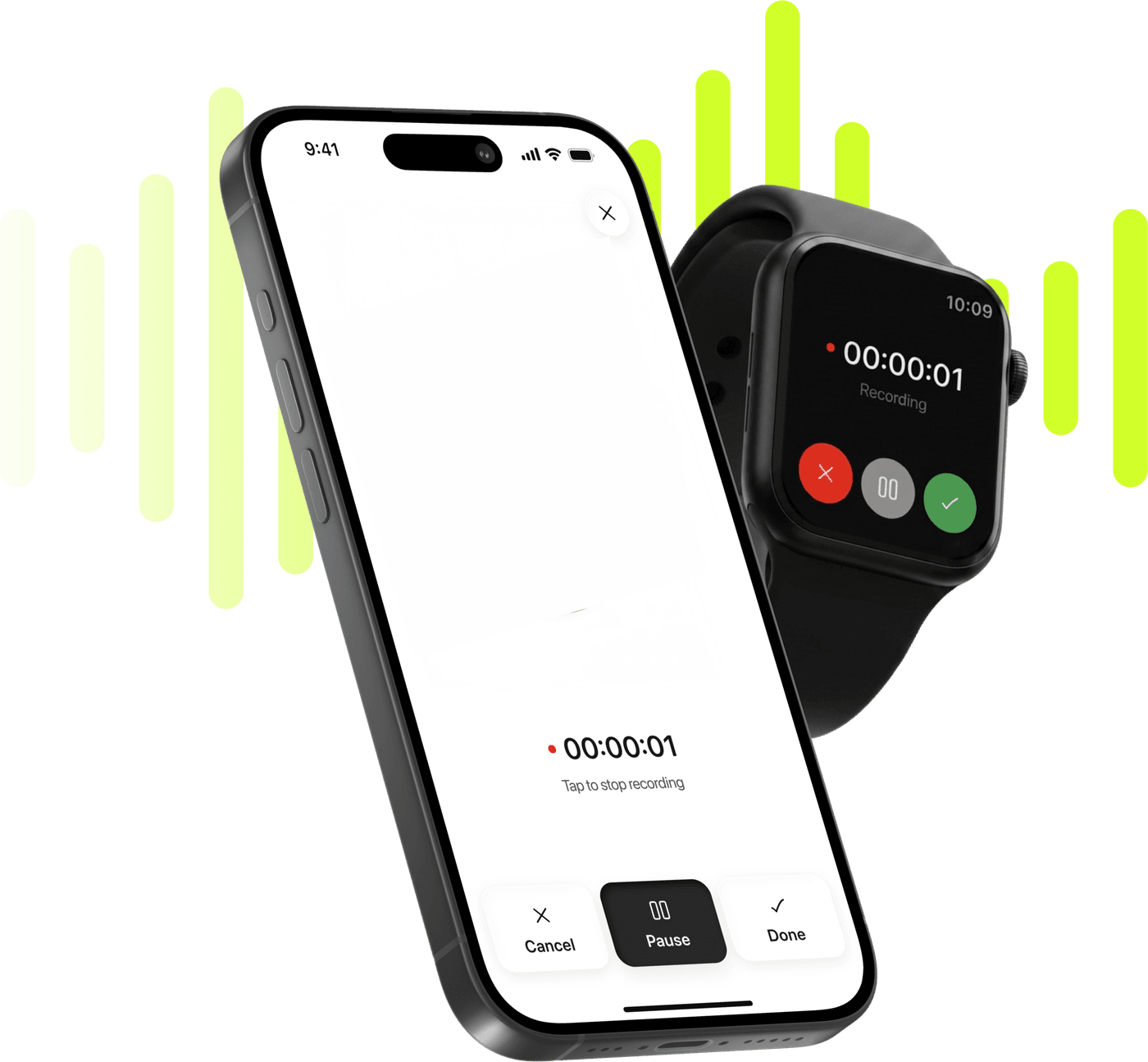
Record, transcribe and summarize on iPhone and Apple Watch.
Free to try. Cancel anytime. *
The same seven formats as a recording: Brief for a skim, Executive for what was decided, Study for something you have to learn.
What the document asks somebody to do, as a list you can tick — not a paragraph you have to re-read to find them.
The note has a chat tab. Ask what a clause says or where a figure came from instead of scrolling for it.
The original PDF sits in the note's second tab and exports whole whenever you need to hand it on.
A reading list and the lecture about it live in one folder, under one search, rather than in two apps that do not know about each other.
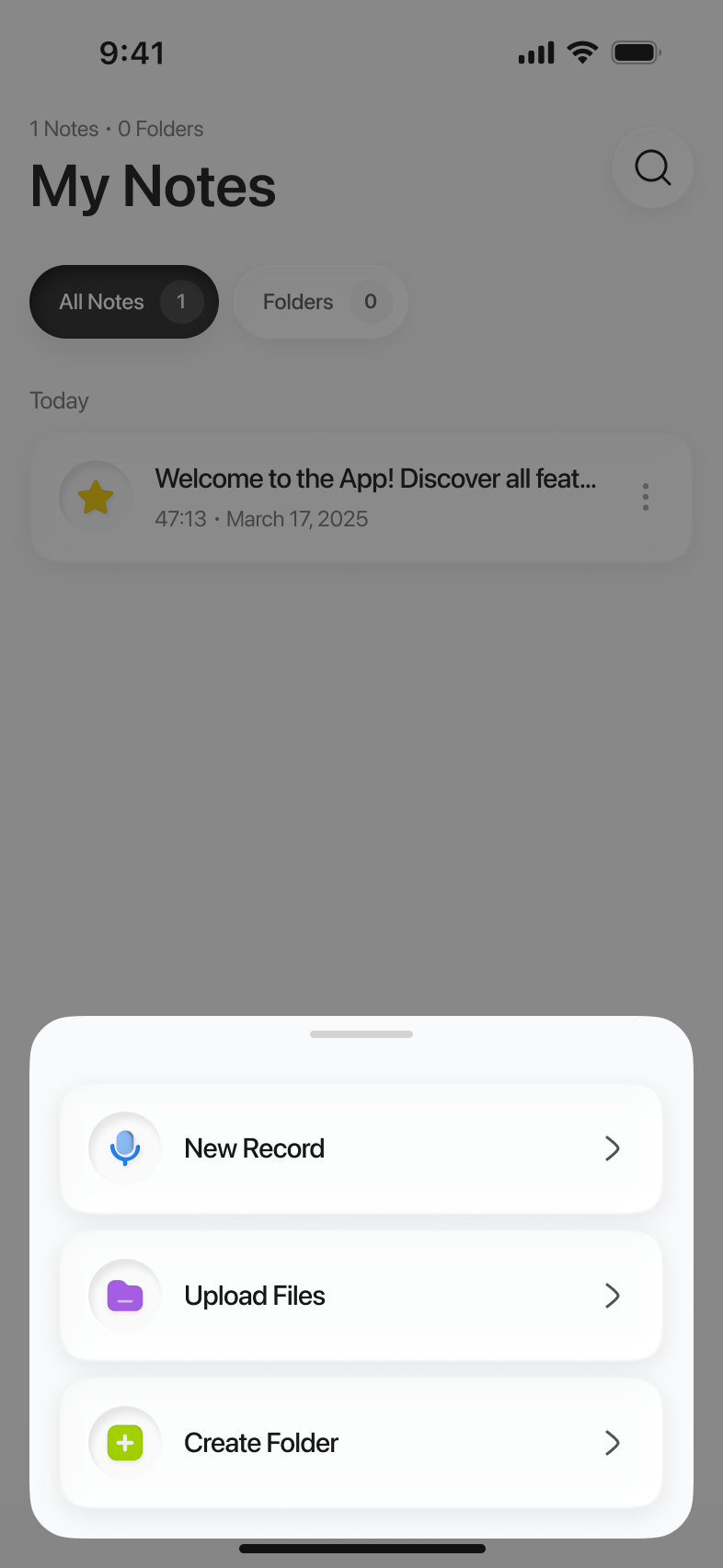
On the iPhone or in iCloud Drive — wherever it already is, as long as Files can open it.
The picker is the iOS one, and PDFs are among the types it accepts. One file at a time.
The note has three tabs: the summary, the PDF file itself and the chat.
A forty-page report where three paragraphs concern you. A contract where the question is what you are agreeing to. A reading you were assigned and will be examined on. In every one of them the reading is in the way of the work.
Import it and the note that comes back is the one you would have written yourself: what the document says, what it asks of you, and something to ask when the summary is not enough. Limemo does not mark up a document — there is no highlighter and no margin note — because the job it takes on starts after the reading rather than during it.
This is the part that is easy to undersell. A PDF note is a note — the same seven summary formats, the same action items, the same chat, the same folders and the same search as a recording you made on the phone.
So a course is one folder: the lectures you recorded, the video files somebody sent you and the readings you were set, all searchable together. A project is one folder: the meeting you recorded on Tuesday and the spec that meeting was about. Two apps cannot do that, however good each one is at its half.
No. Limemo does not mark up a document — there is no highlighter and no margin note. What it does is read the document and hand you a summary, the action items in it and an AI you can question, filed next to your recordings.
It depends on whether the scan carries a text layer. A PDF exported from a word processor, a slide deck or a browser is text, and works normally. A scan that is really a photograph of a page may have no text in it to read.
Yes. A PDF note translates like any other: the summary, its title and its action items move into one of twelve languages. The document itself is untouched.
Yes. Export Original PDF hands back the file you imported, unchanged.