Delete a note or all of your data in Limemo
Your recordings are deletable at any time: one note at a time, or your whole account in one action. Deleting data does not cancel the subscription — that is a separate step in Apple's settings.
Delete one note
- Open the note, or find it in the list.
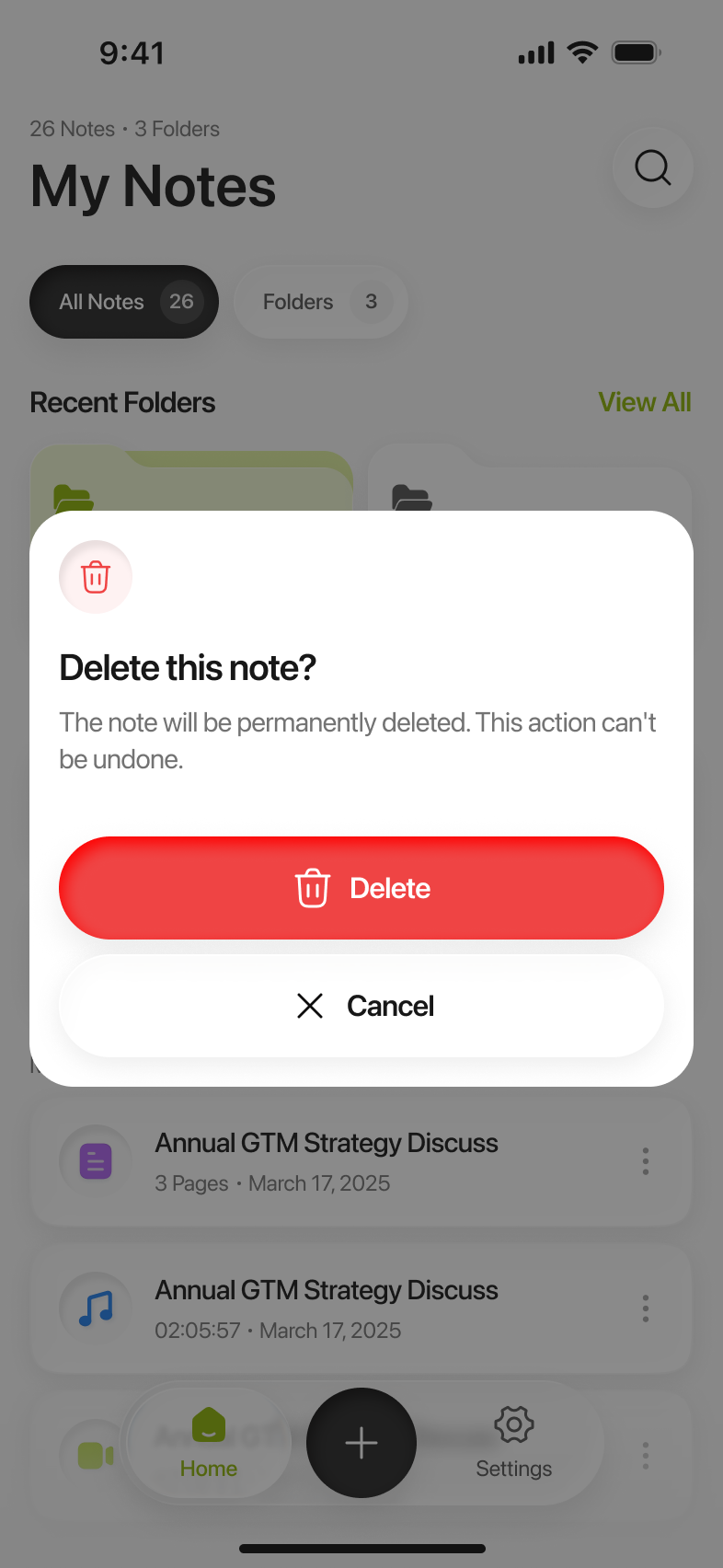
- Choose Delete. Limemo asks Delete this note? and tells you it cannot be undone.
- Confirm. The note goes with everything in it — the audio, the transcript and the summary together; there is no way to keep the recording and drop the text, or the other way round.
The deletion is sent to Limemo’s servers first and only then applied on your phone. That order is deliberate: it is what stops a note you deleted from coming back on the next sync.
Delete your account and everything in it
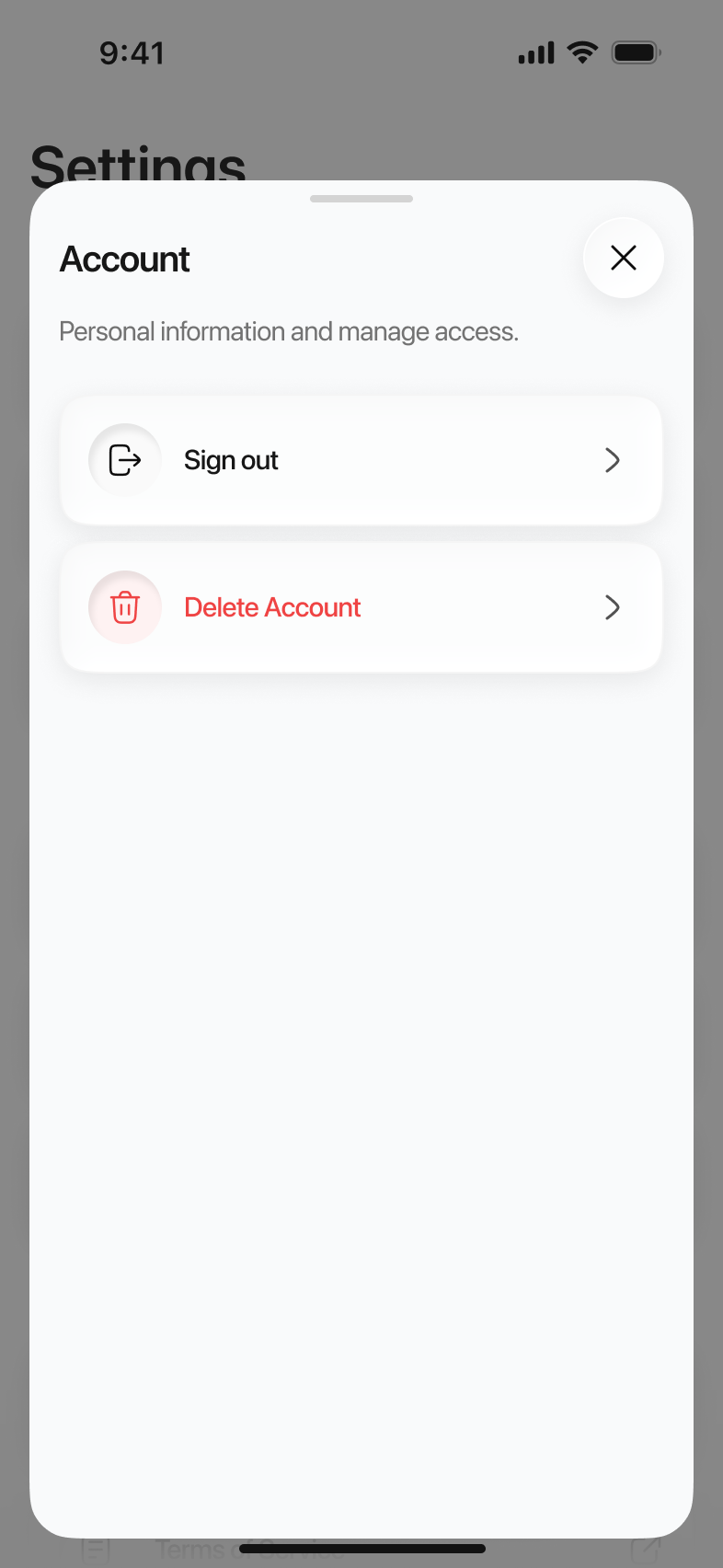
- Open Settings in Limemo and tap Account.
- Choose Delete Account.
- Limemo asks Delete your account? and says plainly what it does: this permanently deletes your account and all notes across every device, and it cannot be undone.
- Confirm. Your notes, recordings, transcripts, summaries and chat history go with the account, any recording reminders you had set are cancelled, and the app returns to its first screen.
Signing out is not deleting. Signing out only removes your identity from the app — your notes stay where they are. Deleting the account is the opposite, and it is the one that removes the data.
If that didn’t work
- The device is offline. Deletion has to reach the servers first, so it needs a connection. Try again once you are online.
- It looks like nothing happened. Check whether the notes are gone from a second device too — the account deletion covers every device, so one device still showing them means it has not finished syncing yet.
- Still stuck. Write to us with the date you made the request.
Does deleting my data cancel my subscription?
No. They are separate, and the subscription is billed by Apple rather than by us — so it keeps renewing until you cancel it in iOS Settings. Cancel the subscription as well if you do not want it to renew, and do that at least 24 hours before the renewal date.
What Limemo cannot delete
- Your App Store purchase history. Apple holds the record of what you bought; we cannot remove it, and Apple’s own privacy tools are where that lives.
- Anything you exported. A PDF you sent to a colleague or a transcript you pasted into another app is out of Limemo’s reach. Deleting the note does not reach into someone else’s inbox.
For a formal data request under GDPR or the CCPA, the Limemo Privacy Policy names the routes, including a section for California residents.
Still need help?
Write to us and we will take it from there. Contact · support@orvanta.limited