How to use it in Limemo
- Record the lecture on your iPhone, or import the audio, video or PDF you want to work from.
- Open the note once the transcript is ready. The transcript comes with speaker labels, so the lecturer and questions from the room stay separate.
- Choose Study as the summary format.
- If the default shape is not quite right, add free-text instructions — for example, more definitions and fewer examples — and regenerate.
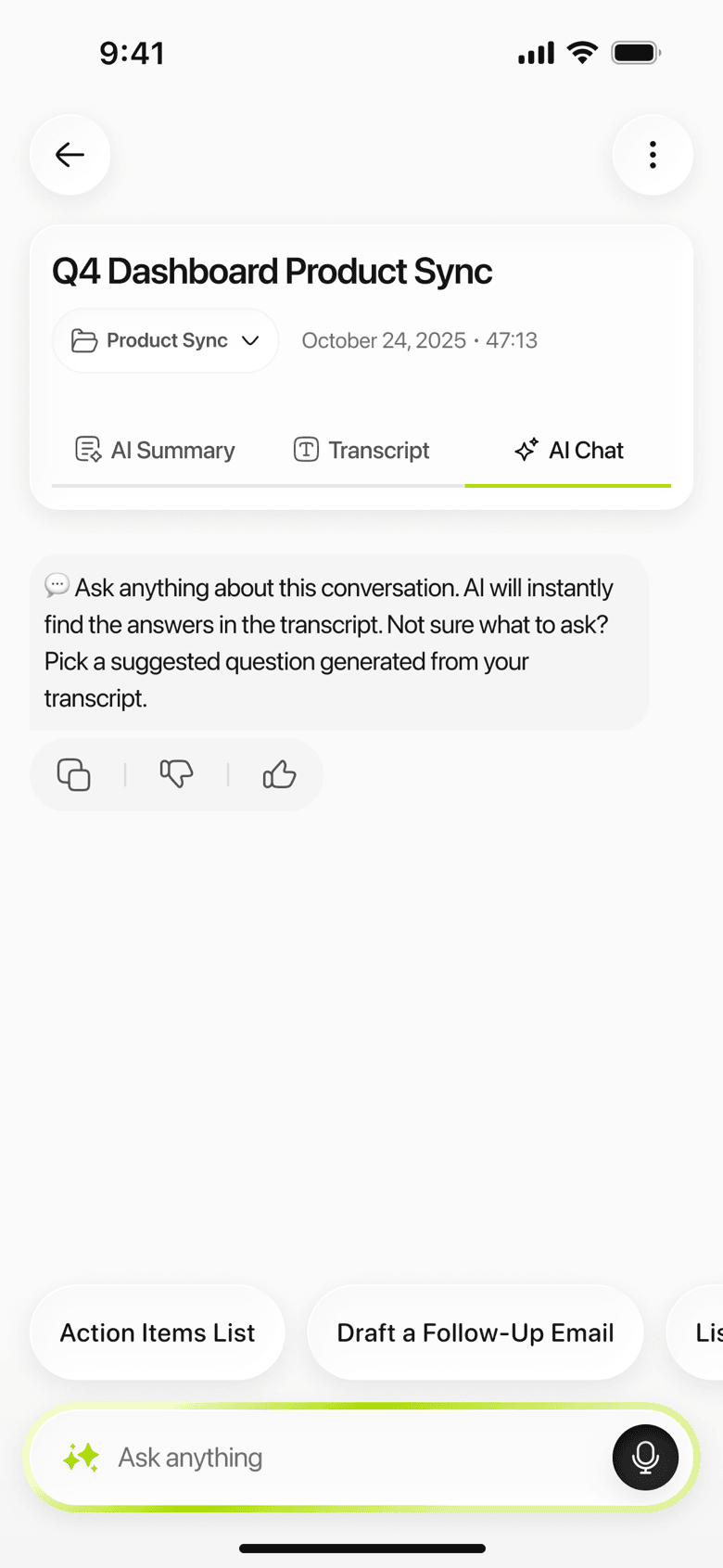
The transcript stays under the summary, so anything the summary compresses is still there in full. You can ask the AI about the note afterwards, translate the summary into another language, or export it as TXT or PDF.
When to pick something else
Pick Memo when a recording has to become a document you forward, or Standard for a voice memo or a short conversation; Study assumes there is teaching material in the recording. Pick Brief when you only want the gist, and Executive or Key KPIs for work meetings. If none of them fit, Custom takes a description of the format you want.