
Twelve languages for the summary
You pick from a list and search it by name, and if your recording is already in one of the twelve it sits at the top.
Transcribe and translate
Limemo transcribes what was actually said, in 99+ languages, and then translates the summary into one of twelve. The transcript stays in the original words — that is the part you may have to quote.
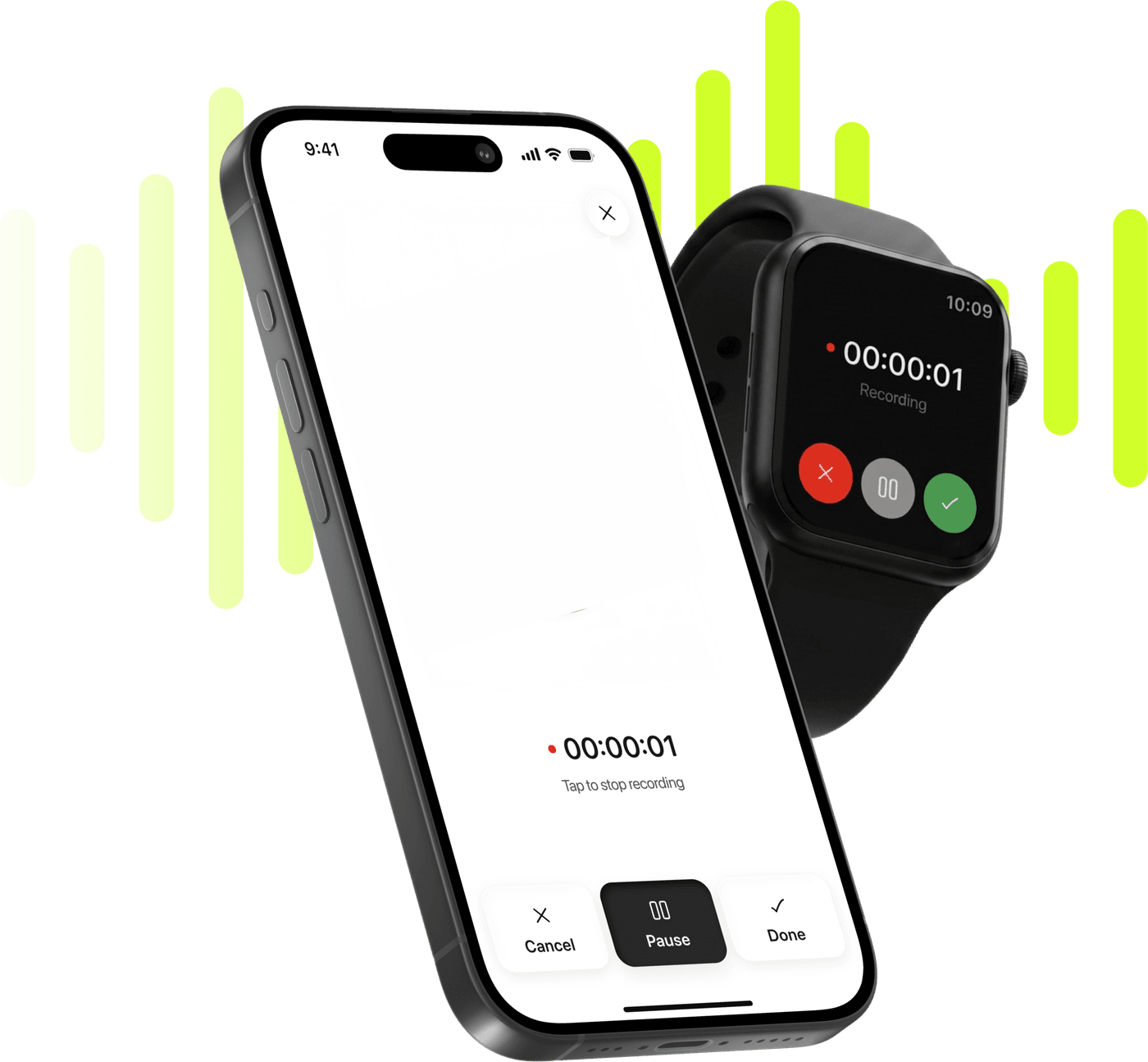
Record, transcribe and summarize on iPhone and Apple Watch.
Free to try. Cancel anytime. *
You pick from a list and search it by name, and if your recording is already in one of the twelve it sits at the top.
The transcription list is far wider than the translation list, and you never choose from it — the language is read out of the audio.
A translation never overwrites the transcript. What was said stays as it was said, underneath, which is what you go back to when a sentence matters.
Translating a summary carries the title, the summary, the action items and the key figures — not just the paragraph at the top.
A meeting held in German can go to a colleague as an English summary while the German transcript stays attached for anyone who wants the exact wording.
Nothing changes at capture time. The language is detected from the audio, so there is no setting to get wrong before you press record.
Tap Translate Summary, or open Summary Language from the customise sheet. The picker lists the twelve and is searchable by name.
The translated summary replaces what you were reading; the transcript below it does not change.
Most tools that say “translate” translate everything, and that is the wrong answer for a recording. A transcript is evidence. If somebody disputes what was said in a meeting, or you are quoting an interviewee in print, the sentence that settles it has to be the sentence they actually said — not a machine’s rendering of it into your language and back into their mouth.
So Limemo splits it. The transcript stays in the original language, always. The summary travels. That is the half you are going to forward, paste into a document or read on the way back from the meeting, and it is the half where a translation costs you nothing.
Translating is not only the paragraph at the top. The title comes across, the action items come across, and the key figures come across — so a translated note is a usable note rather than a readable one.
None of it needs setting up in advance, which matters most in the case this feature exists for: you did not know which language the room would be in.
Changing the summary format rewrites it from the transcript, and the language you picked comes along — the customise sheet opens with it already set. What does not come along is your own work: edits you typed and action items you had ticked are cleared, and there is no undo. So if you have started annotating a summary, settle the format before you go further.
No, and that is deliberate. The transcript is the record of what was said, so it stays in the language it was spoken in. What translates is the summary — along with its title, its action items and its key figures. If you need the exact wording of a sentence in another language, translate that sentence yourself, from a transcript you can trust.
Twelve: English; Chinese, Mandarin; Hindi; Spanish; Bengali; Portuguese; Japanese; German; Korean; French; Ukrainian; Italian. The list is searchable, and if your recording is already in one of them it appears at the top.
99+, and the language is detected from the recording rather than chosen in advance. The transcription list is much longer than the translation list.
The language comes with you: the customise sheet opens with the language you chose already set, so the rewritten summary arrives in it. What does not survive is your own work on the old one — any edits you typed and any action items you had ticked are cleared, and that cannot be undone.
In effect, yes: the translated summary on top and the original transcript underneath, in the same note. What you cannot have is two translated summaries side by side — translating again replaces the previous one.